Search
As of October, 2016, Embarcadero is offering a free release
of Delphi (Delphi
10.1 Berlin Starter Edition ). There
are a few restrictions, but it is a welcome step toward making
more programmers aware of the joys of Delphi. They do say
"Offer may be withdrawn at any time", so don't delay if you want
to check it out. Please use the
feedback link to let
me know if the link stops working.
Support DFF - Shop
If you shop at Amazon anyway, consider
using this link.
We receive a few cents from each
purchase. Thanks
Support DFF - Donate
If you benefit from the website, in terms of
knowledge, entertainment value, or something otherwise useful,
consider making a donation via PayPal to help defray the
costs. (No PayPal account necessary to donate via credit
card.) Transaction is secure.
Mensa®
Daily Puzzlers
For over 15 years
Mensa Page-A-Day calendars have provided several puzzles a year
for my programming pleasure. Coding "solvers" is most fun,
but many programs also allow user solving, convenient for "fill
in the blanks" type. Below are Amazon links to the
two most recent years.
Mensa®
365 Puzzlers Calendar 2017
Mensa®
365 Puzzlers Calendar 2018

(Hint: If you can
wait, current year calendars are usually on sale in January.)
Contact
Feedback:
Send an
e-mail with your comments about this program (or anything else).
|
| |
Problem Description
Here's a program illustrating the use of timers to
control the lights of a simulated
drag strip starting tree.
Background & Techniques

Drag racing is a sport in which two vehicles race from a standing start
for a fixed distance, usually 1/4 mile, down a straight track with two
lanes.
This program was prompted by a user who is developing a drag strip
simulation and wanted help in triggering the start
with some visual clue. My original version simply changed the color of
a circular shape at some random interval after an "Activate" button was
clicked. That evolved into a fairly complete model of the standard
starting "tree", the Christmas tree, used in real races.
Lights are arranged in two columns, one for each racer.
From top to bottom the rows indicate
 |
pre-staged (7 inches from the starting
line), |
|
|
staged (at the starting line),
|
|
|
three rows of yellow countdown light,
|
|
|
the green "Go" light,
|
|
|
and a red light if the racer starts
too soon.
|
Two users may use buttons to pre-stage and stage their
dragsters and click the "Activate start sequence" button to start the
countdown. When the green light is lit, "P' or "Q" keys will report reaction
times for each player. Pressing the keys too soon results in a red
light condition on the tree.
An "Auto stage" checkbox automates pre-staging, staging, and
activating start sequence lights.
Notes for programmers
For programmers, I have tried to comment the code well enough to make
clear how the timers work. Timer1 controls the yellow lights
and the green start light on the tree. The StartLightsOn
integer starts at 0 and is incremented each rime the timer even exit occurs.
Lights are turned within the exit by changing the color of the appropriate
Tshapes from a dark to light shade of yellow or green.
There are two starting modes used in drag racing. "Sportsman"
mode triggers the three yellow lights and the green start light at 1/.2
second intervals. "Professional" mode lights all 6 yellow
lights simultaneously followed by the green lights 0.4 seconds later.
The current time of day is saved as StartTime when the green lights
are lit.
The "Auto Activate" checkbox introduces two additional timers,
AutoTimer1 and AutoTimer2, one for each racer which are triggered
at random intervals to simulate their pre-stage and stage lights. When
both racers are staged, the Onclick event exit for the Activate
button is called to start the countdown process.
The Boolean form property "KeyPreview" has been set to true to
allow form KeyPress event exits to be taken regardless of which
control has the focus. Keys other than P or Q
are ignored; those two keys cause the current time minus the StartTime value
to be displayed as the response time for the appropriate racer.
No actual racing here - we'll leave that for the future.
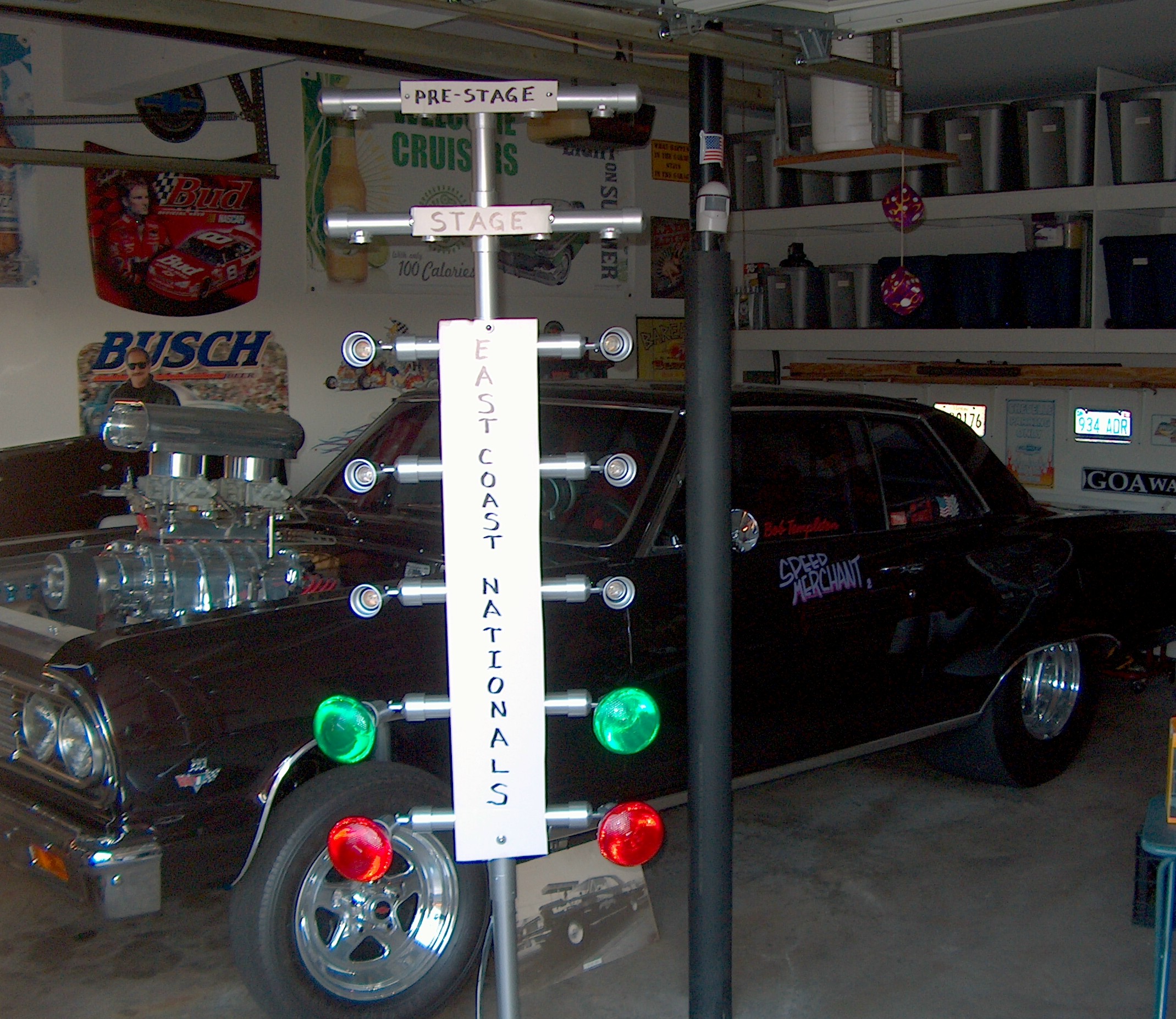
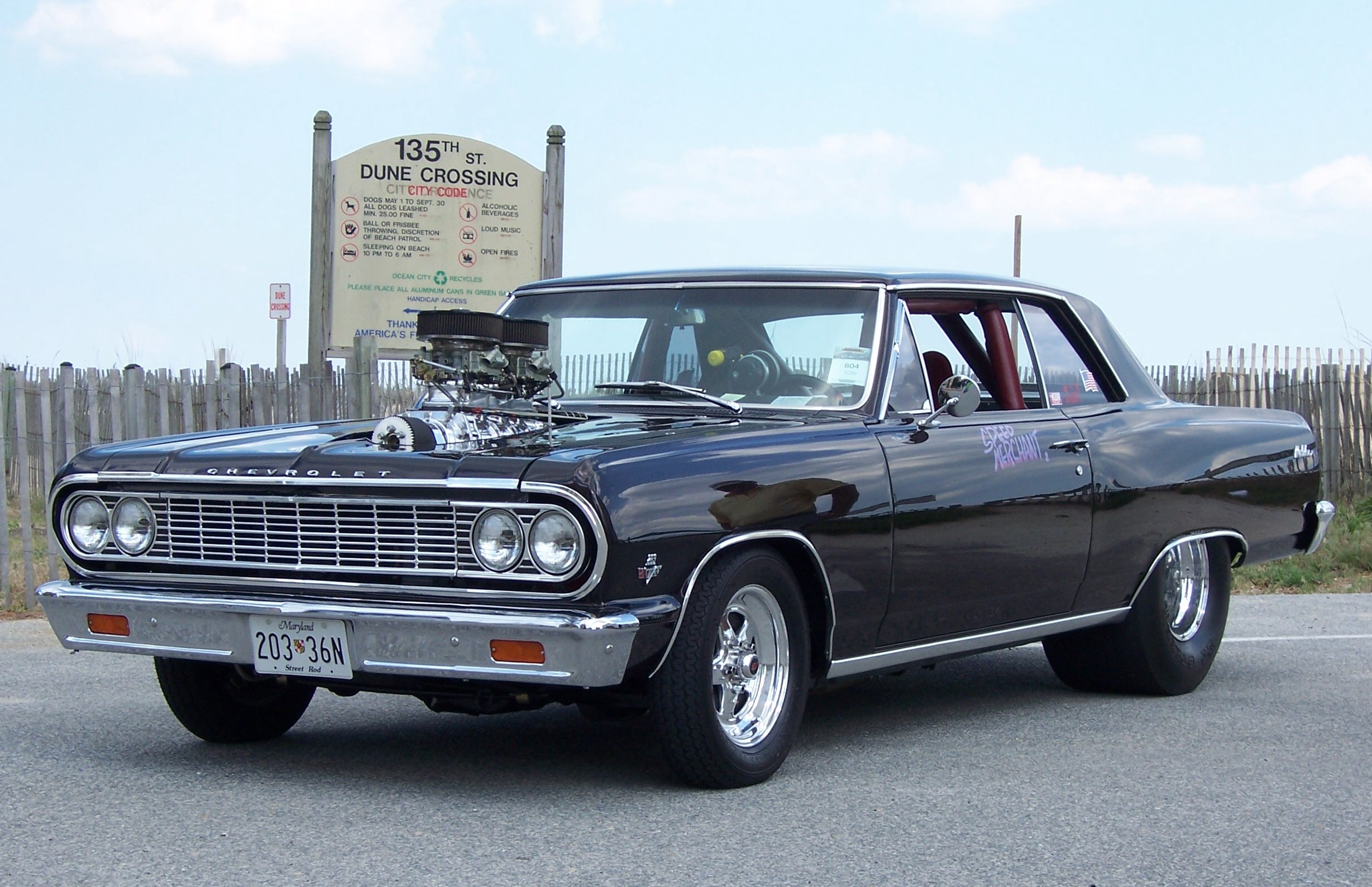
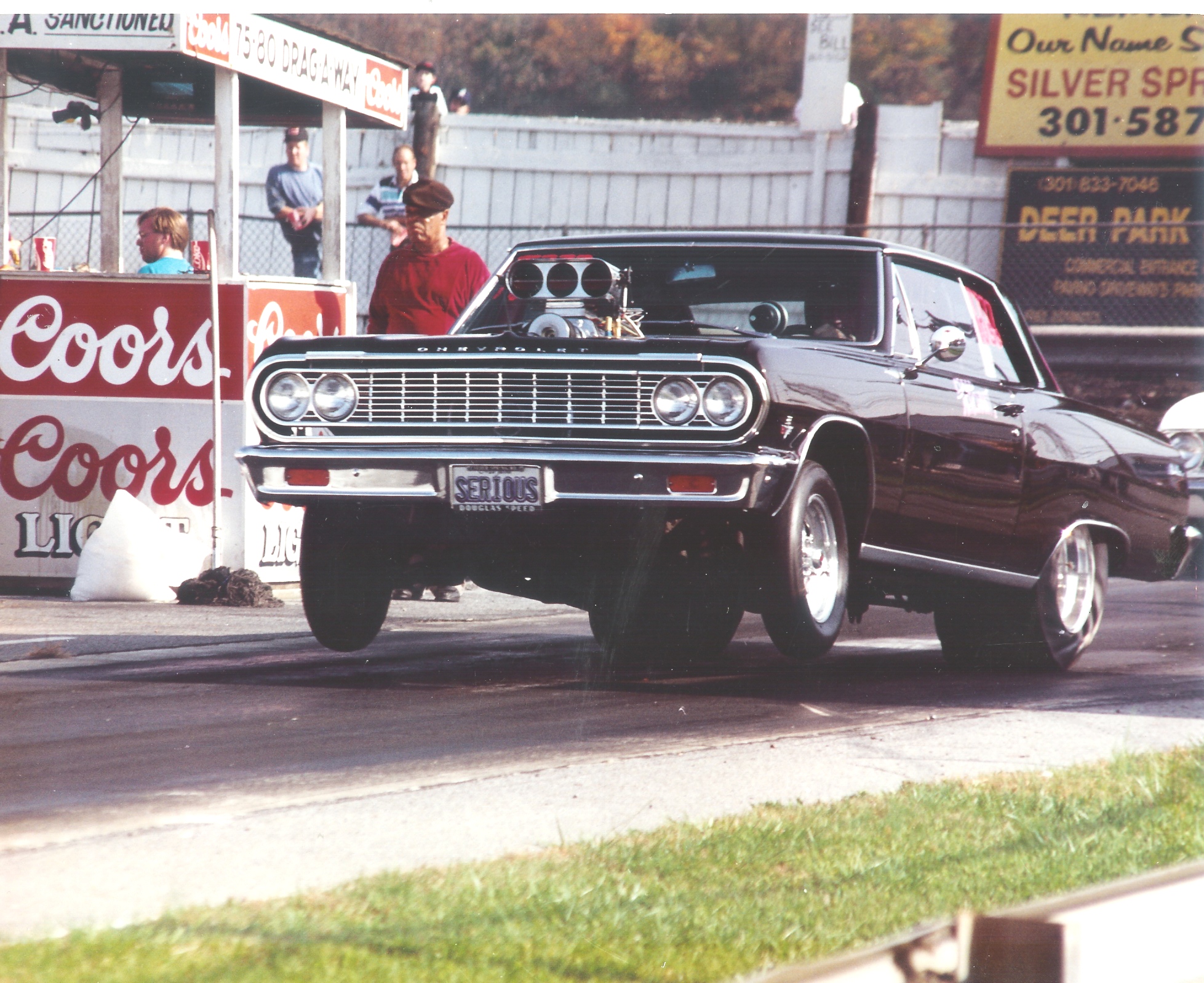
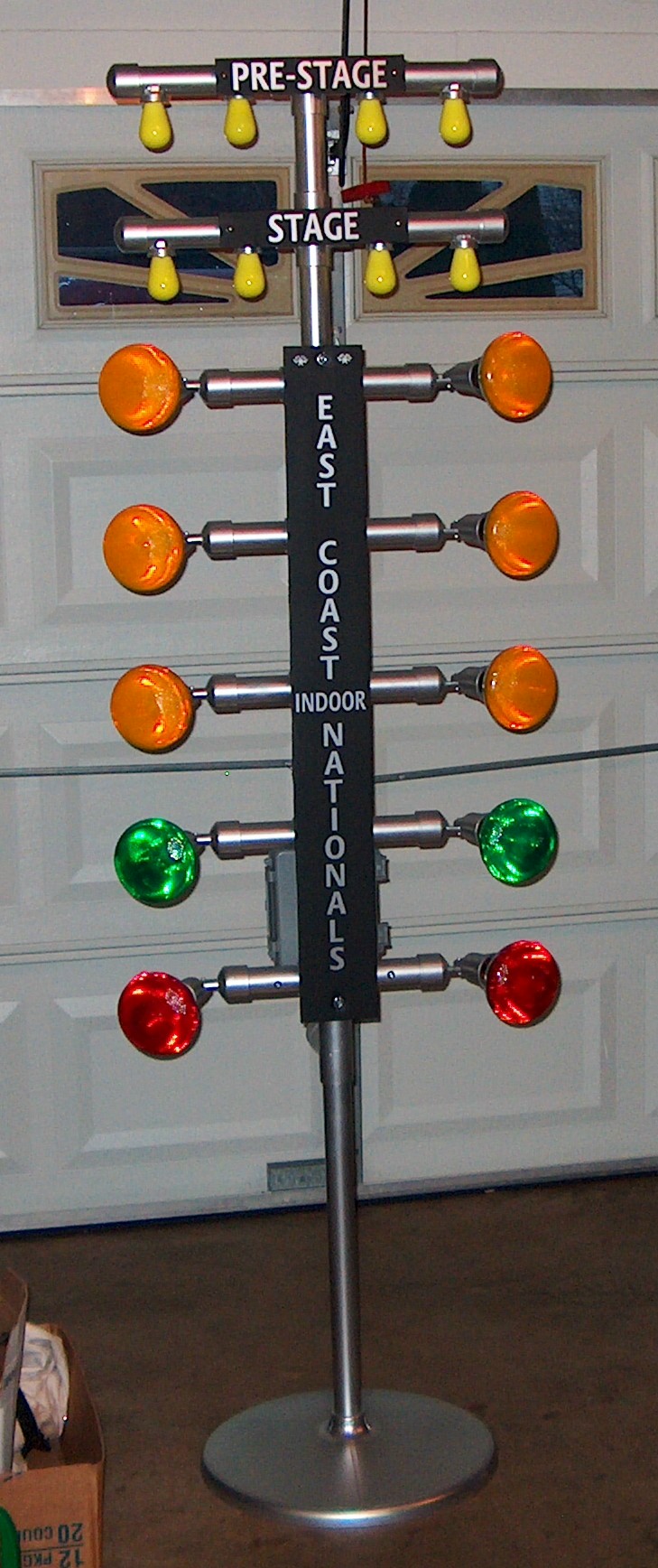
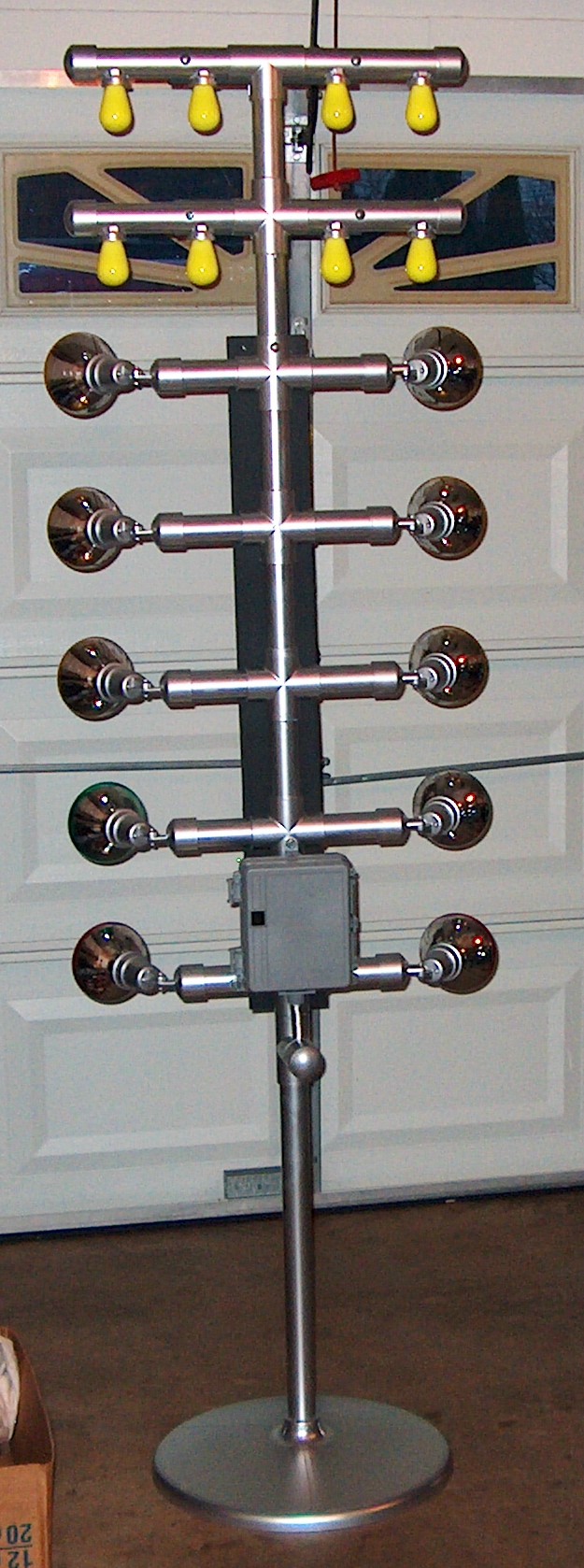
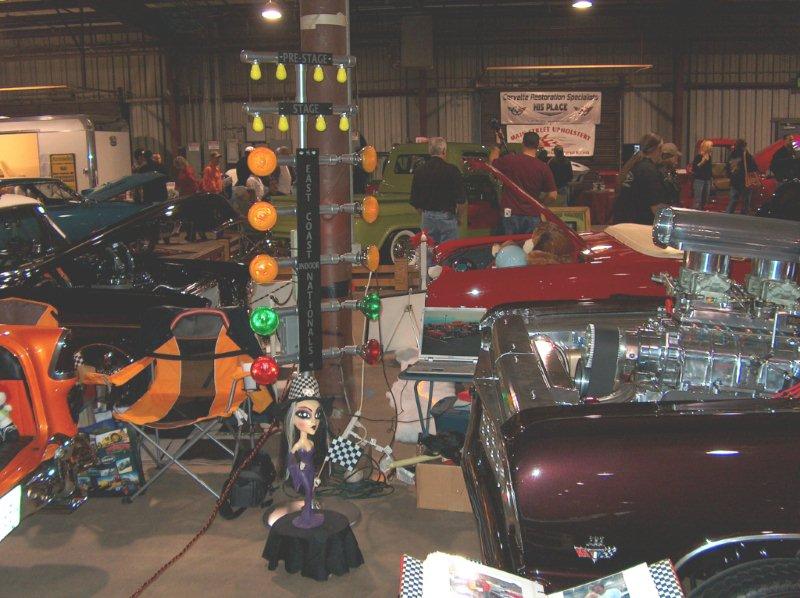
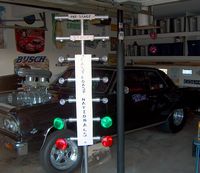
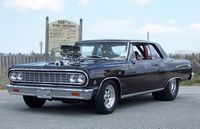
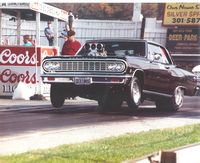
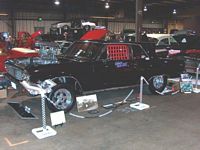
December 4, 2011: About a month ago Bob Templeton, a drag
car owner and enthusiast, wrote asking if it would be possible to control
real lights on a real drag tree model that he was constructing to show with
his car at the
East Coast Indoor Nationals auto show. He wanted to simulate the
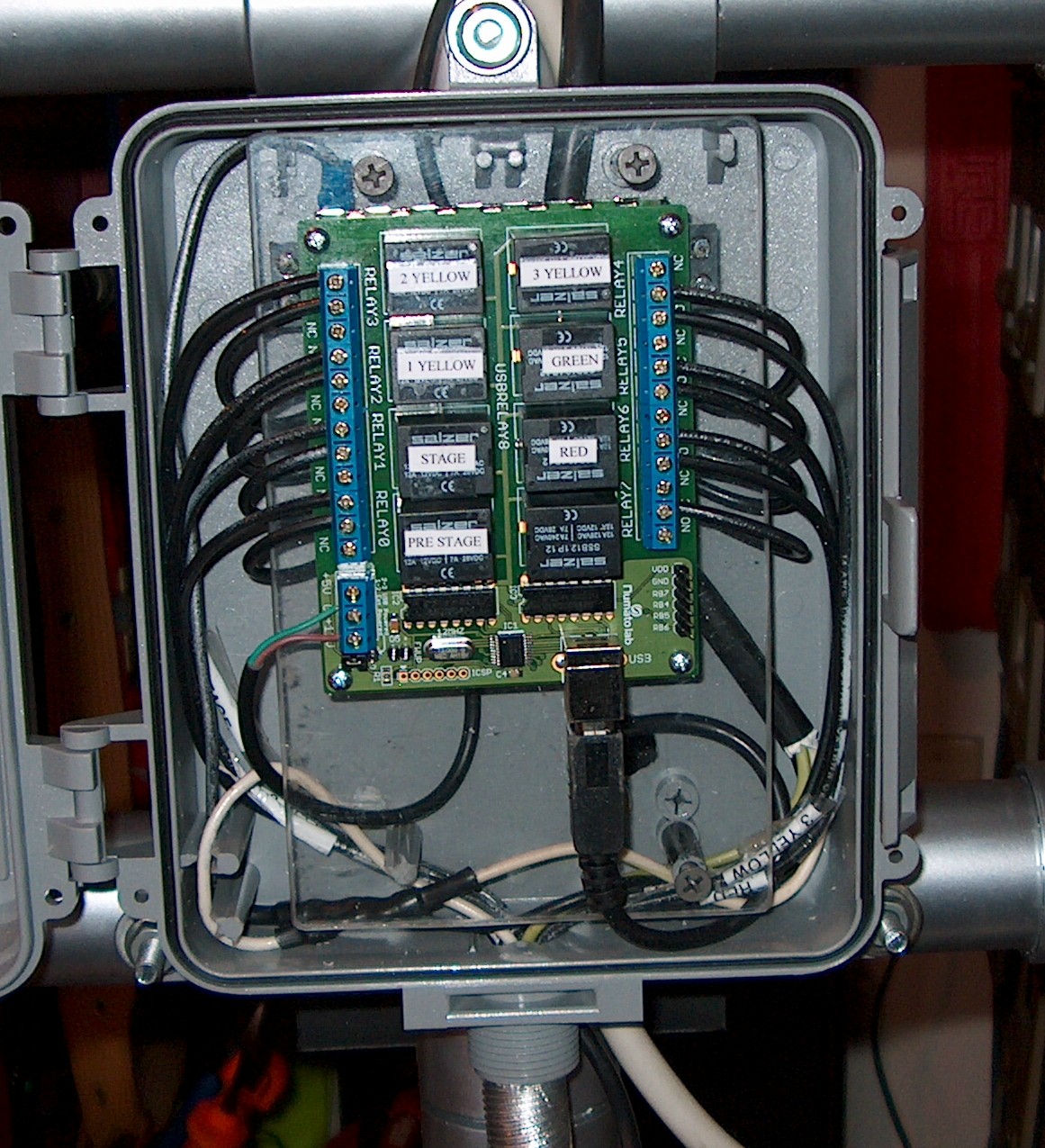
drag race starting sequence. To make a long story shorter, I
took on the project and we found a
USB relay driver board from Numato, Inc. I modified the drag strip
tree program, adding a page where the he can specify the timing
of the lights and which then closes and opens the board relays
according to that schedule. Here are some pictures Bob sent of
the work in progress and the the show which ended today. Click a
thumbnail to see larger view:
 |
 |
 |
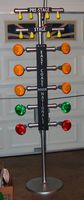 |
| Work in process |
The car |
Car in action |
Tree (Front) |
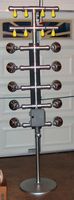 |
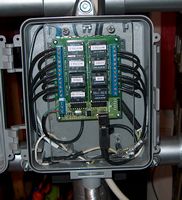 |
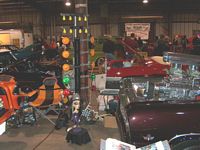 |
 |
| Tree (back) |
The Numato board - neat wiring! |
At the East Coast Indoor Nationals (looks
crowded!) |
Bob's car at the East Coast . Indoor Nationals |
.The relay version of the program should run everything that the original
program did with the added relay simulator functions in separate section.
The source code download below includes the units required to recompile this
version including the free Synaser serial port unit) . Drivers for the
realy board are available from the Numato website.
The executable download includes both the original version without
relay driver support (Dragstertree.exe) and the new version with relay
driver support (DragsterTreeRelay2.exe).
Running/Exploring the Program
Suggestions for Further Explorations
I believe that in real drag racing there is a minimum acceptable
reaction time, below which the driver is red-lighted because he must have made a
'lucky guess". If true, that restriction could be implemented here also.
|
Original Date: July 21, 2009 |
Modified:
May 15, 2018 |
|
|